Most of that volume isn't an attack. In its 2025 State of Security report, Splunk's research found that 59% of security leaders say they face too many alerts, and 55% say too many of them are false positives. Detection tools need to stay sensitive enough to catch new threats, but alerts without behavioral or business context just pile up and bury the real ones.
This guide breaks down what a false positive actually is, how AI cuts through the noise, and why analysts still need to stay in the loop.
Key Takeaways
- False positives flag harmless activity as malicious; false negatives let real threats slip past undetected
- AI reduces noise through behavioral baselines, event correlation, and context, not isolated rules alone
- Good AI-assisted detection speeds up investigation without silently suppressing uncertain activity
- Track alert quality, analyst workload, and missed detections, not just alert volume, when evaluating AI tools
What Is False Positive Cyber Security?
A false positive is an alert or detection that flags benign activity as suspicious or malicious, something an investigation later confirms was never a real threat. The challenge isn't visibility. Security teams need broad telemetry coverage, but raw data and overly sensitive detection logic can generate far more alerts than any team can realistically investigate.
A false positive is not the same thing as:
- A false negative – a genuine threat that goes undetected entirely
- A duplicate alert – the same event flagged by multiple overlapping tools
- A low-severity true positive – correctly identified activity that simply isn't urgent
- A correctly blocked event – something the system handled appropriately without needing analyst time
This matters most in enterprise, government, and critical-infrastructure SOCs, where buried alerts can delay response to an actual compromise, disrupt legitimate business operations, or push analysts toward burnout.
There's no universal "acceptable" false-positive rate. NIST's intrusion detection guidance notes that organizations often accept more false positives specifically to reduce missed attacks.
The right threshold depends on asset criticality, response consequences, and how much risk an organization is willing to tolerate. A low-priority web server and a vulnerable, internet-facing one shouldn't be scored the same way.

Common forms of false positives include:
- Benign anomalous behavior that simply looks unusual
- Legitimate administrative or maintenance activity
- Authorized software updates and patches
- Already-blocked activity that needs no further action
- Duplicate detections across overlapping security tools
Common Causes of False Positives
Several patterns show up repeatedly across SOC environments:
- Overly broad detection logic. Fixed thresholds, generic signatures, and rules based on a single isolated event often mistake normal behavior for malicious activity.
- Missing context. Without knowing asset criticality, user role, maintenance windows, or whether a service is actually exposed, tools prioritize incorrectly.
- Environmental change. Cloud migrations, new applications, network redesigns, remote work, and shifting IT/OT baselines all throw off static detection logic.
- Data pipeline issues. Misconfigured sources, duplicate ingestion, inconsistent parsing, and overlapping tools create repetitive or misleading alerts.
A well-documented example comes from USENIX Security research interviewing 21 SOC practitioners. One analyst described a sudden spike in ICMP traffic that triggered alarm, only to discover it came from a new security tool deployed without notifying the SOC.
Nothing malicious happened. The organization just hadn't communicated an internal change, and the alert noise followed.
How Does AI Help Reduce Security Alert Noise?
AI-assisted detection generally follows a sequence: collect relevant signals, build behavioral context, correlate related events, score risk, and route the result for human or automated action. Each stage matters, and skipping one usually means more noise downstream, not less.

Data Collection and Context Building
AI pulls telemetry from identity systems, endpoints, networks, cloud workloads, applications, and OT environments to understand what's actually happening around an event. Asset importance, user access patterns, location, time of day, and known maintenance activity all add context a static rule simply doesn't have.
One caveat worth repeating: AI can't fix bad data. If telemetry is incomplete, duplicated, or incorrectly parsed, no model will produce reliable output. Teams should validate their data sources before judging whether an AI platform is underperforming.
Behavioral Baselines and Anomaly Detection
Self-learning models establish a baseline for what's normal on a given network, then flag meaningful deviations from it. This differs sharply from a fixed threshold. The same login event might be routine on a standard workstation but genuinely suspicious on a privileged account or an unusual network path.
MixMode's platform, for instance, continuously builds a behavioral model of network and system activity instead of relying on static signatures. It adapts to legitimate changes in an environment, though ongoing monitoring still matters. Gradual baseline drift could let slow-moving malicious behavior start to look normal over time.
Correlation and Attack-Pattern Recognition
Rather than escalating every isolated anomaly, AI links events across time, users, assets, and security controls to spot a pattern. Multiple weak signals correlated together can raise confidence in a real threat, while corroborating benign context can lower the priority of something that initially looked suspicious.
A typical workflow: unusual authentication, followed by privilege escalation, followed by abnormal data access. That sequence deserves investigation, but it's a signal to look closer, not automatic proof of compromise.
MixMode's event correlation connects findings across multiple events to build a contextual view of multi-stage attacks, which is part of how the platform mapped 93% fewer alerts for one customer within the first week of deployment.
Risk Scoring and Alert Prioritization
AI-assisted risk scoring ranks alerts using factors like detection confidence, asset sensitivity, observed behavior, exposure, and potential business impact. The goal is consolidation and prioritization, not deletion. Lower-scored telemetry still exists; it just isn't pulled to the top of an analyst's queue.
Metrics worth tracking when evaluating this kind of system:
- True-positive and false-positive rates
- Analyst handling time per alert
- Mean-time-to-detect (MTTD)
- Escalation accuracy
- Missed-detection review outcomes
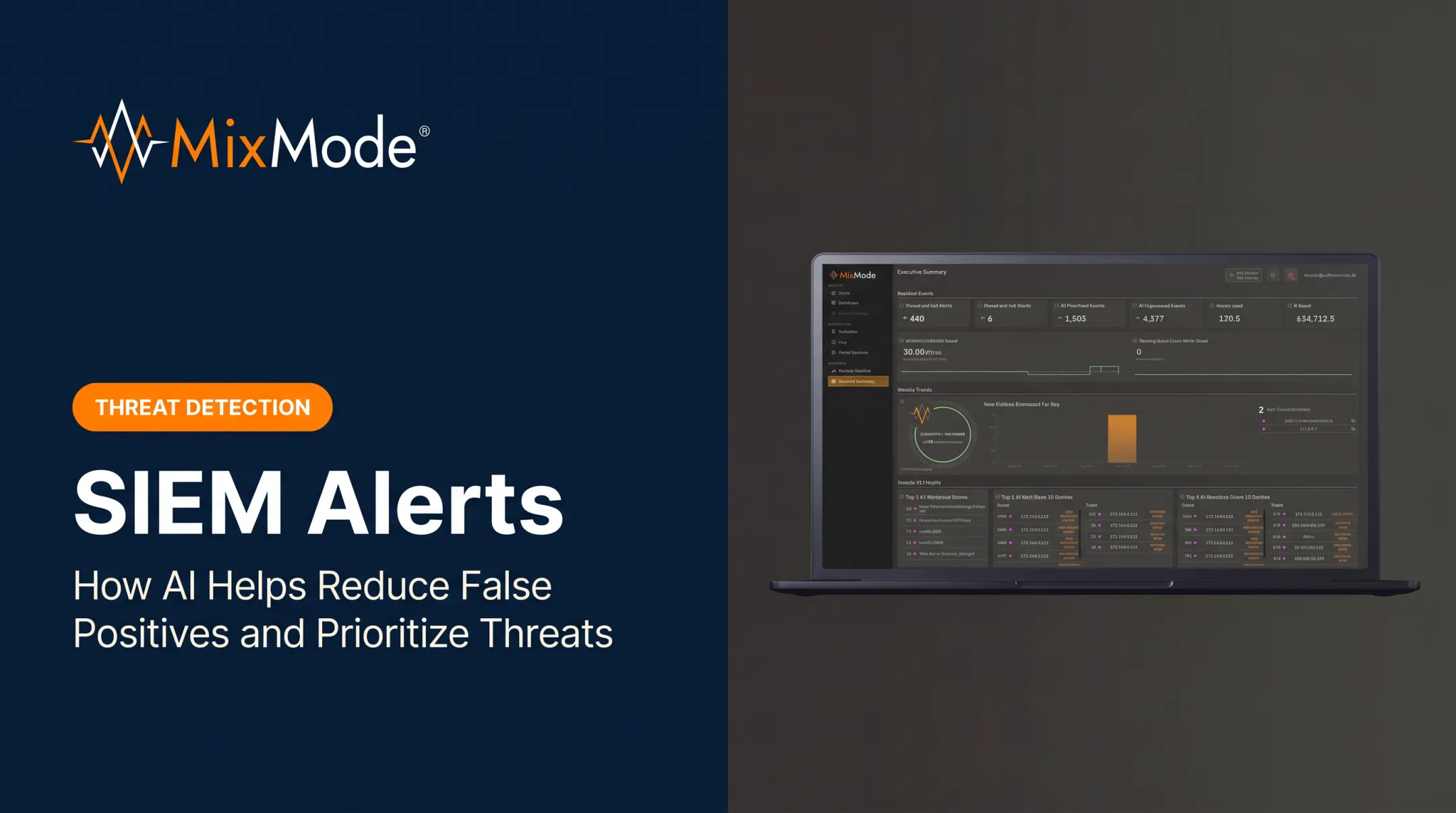
MixMode's dashboard reflects this approach directly, surfacing a Targeted Risk Score and Aggregate Risk Score across rolling time periods, alongside AI-prioritized events, so analysts see which alerts actually warrant attention first.
Analyst Feedback, Automation, and Human Oversight
Every time an analyst marks an alert as benign, expected, duplicate, suspicious, or confirmed, that disposition feeds back into the system and sharpens future detection quality. Automation fits best for enrichment, deduplication, evidence gathering, and low-risk triage. High-impact containment decisions should stay behind defined approval policies, not run automatically.
AI should augment analysts, not replace them. That means explainable evidence, audit trails, visible confidence indicators, and periodic review of model behavior.
MixMode's Cybersecurity Intelligence Layer reflects this philosophy. Its AI Assistant triages alerts, prioritizes them based on environmental context, and explains the reasoning behind each decision, rather than handing analysts a black-box score with no justification. At one local emergency planning committee SOC, this approach cut alert volume by more than 90% between day one and day five of deployment, without removing analyst control over response decisions.
Where AI-Based False-Positive Reduction Is Used
AI-assisted alert reduction fits into the broader SOC workflow across detection, triage, investigation, incident response, threat hunting, and reporting. It doesn't replace those stages; it makes each one faster.
Enterprise and Cloud Environments
Common use cases include:
- Identity anomalies and unusual cloud account behavior
- Lateral movement and abnormal data access
- Correlated activity spanning hybrid infrastructure
Dynamic environments benefit most from adaptive context, since fixed rules age quickly as cloud workloads and ownership shift.
MixMode's self-learning AI adapts to each organization's infrastructure within days, building a dynamic baseline without manual rule-writing or training data. The City of Phoenix, for example, used the platform to connect security signals across multiple systems, surfacing insights within 24 hours that previous tools had missed entirely.
Government, Critical Infrastructure, and OT
In sensitive, high-availability, converged IT/OT environments, excessive automated blocking can disrupt physical operations, not just IT systems. These organizations often need deployment flexibility across connected, disconnected, edge, air-gapped, or DDIL conditions.
MixMode operates fully in air-gapped and DDIL environments without requiring internet access or cloud services. The platform holds a Department of War Certificate to Field and an Intelligence Community Authority to Operate. A major utility manager reported the platform delivered more insight than any tool previously deployed on their network.
Smaller or Resource-Constrained SOC Teams
Municipal, healthcare, manufacturing, and utility teams often run lean security staff against enterprise-scale risk. Contextual prioritization and automated enrichment let a small team focus limited capacity on the alerts that actually matter.
Before adopting any platform, confirm it integrates with existing SIEM, SOAR, and case-management workflows instead of creating another isolated alert queue. MixMode is built to augment and consolidate existing tools rather than force an immediate rip-and-replace.

Conclusion
False positives aren't just inaccurate alerts. They consume analyst capacity, delay response to real incidents, and erode trust in the tools meant to protect the organization.
AI reduces that noise by following a consistent logic: gather reliable telemetry, understand normal behavior, add environmental context, correlate related signals, prioritize by risk, and learn from analyst feedback over time. None of that works without good data or human judgment backing it up.
Before adopting any AI-driven detection approach, validate it against both noise-reduction and detection-quality measures. Keep humans in the loop, and never let uncertain activity get suppressed without a documented risk decision behind it.
Frequently Asked Questions
What is the difference between a false positive and a false negative in cybersecurity?
A false positive flags benign activity as malicious, wasting analyst time on harmless events. A false negative misses a genuine threat entirely, which is usually far more costly. Both require ongoing monitoring and tuning to keep them in check.
What is the false positive rate also called?
It's commonly referred to as the false alarm rate, and in statistical contexts, the Type I error rate.
How does AI reduce false positives in cybersecurity?
AI combines behavioral baselines, event correlation, environmental context, and risk-based scoring to separate genuine threats from routine activity. It doesn't eliminate false positives entirely, but it narrows down what analysts need to review manually.
Can AI replace SOC analysts when reducing security alert noise?
No. AI can automate enrichment, deduplication, and low-risk triage effectively, but analysts are still essential for judgment calls, deeper investigation, handling exceptions, and making high-impact response decisions.
What are the best ways to measure whether AI is reducing security alert noise?
Track false-positive rate, true-positive yield, alert-to-incident conversion, analyst handling time, and mean-time-to-detect. Also review missed detections and gather analyst feedback to confirm the system is helping, not just moving noise around.